 HeyBMOAI assistant
Your AI assistant, right in WhatsApp.
HeyBMO is a personal assistant you text. You add one number and write to BMO the way you would write to a friend: it sets reminders, keeps notes, tracks what you spend and what you are owed, writes PDFs and LinkedIn posts, makes short videos and even places calls. All of it happens inside that one chat.
BMOonlinelunch 14.50 and a taxi 9
13:22💸Logged 2 expenses: • Lunch, €14.50 (Food) • Taxi, €9.00 (Transport)
13:22Sam owes me 40 for the concert tickets
13:25📝Recorded: Sam owes you 40 EUR for the concert tickets
13:25how much on food this month?
20:10€212.40 on Food so far this month, about a third of your spending.
20:10
No new app to learn. It lives where people already are.
Everyone has the app open
WhatsApp is the app people check first and most. BMO is one more chat in the list, not one more icon to remember.
Say it the way you say it
“Every weekday at 8”, “the last Friday of the month”, “lunch 14.50 and a taxi 9”. BMO turns plain sentences into the right action.
Nothing to set up
No forms and no settings to fill in first. You start by saying hello, and the dashboard is there when you want to see everything at once.
One chat, a lot of jobs.
Seventeen features sit behind that one conversation. These are the ones people use most.
Also in the chat: tasks and habits, calories, recipes, images and a CV that tailors itself to a job offer.
BMOonline- Today
remind me every weekday at 8 to take my vitamins
21:14⏰Reminder set for every weekday at 08:00: take my vitamins
21:14and call the dentist tomorrow at 10
21:15⏰Reminder set for tomorrow at 10:00: call the dentist
21:15- Tomorrow
⏰ Take your vitamins
08:00
Everything BMO keeps, in one place.
The chat is for doing. The dashboard is for looking back: what is coming up, where the money went, which habits held. Every card can be dragged to the order you want.
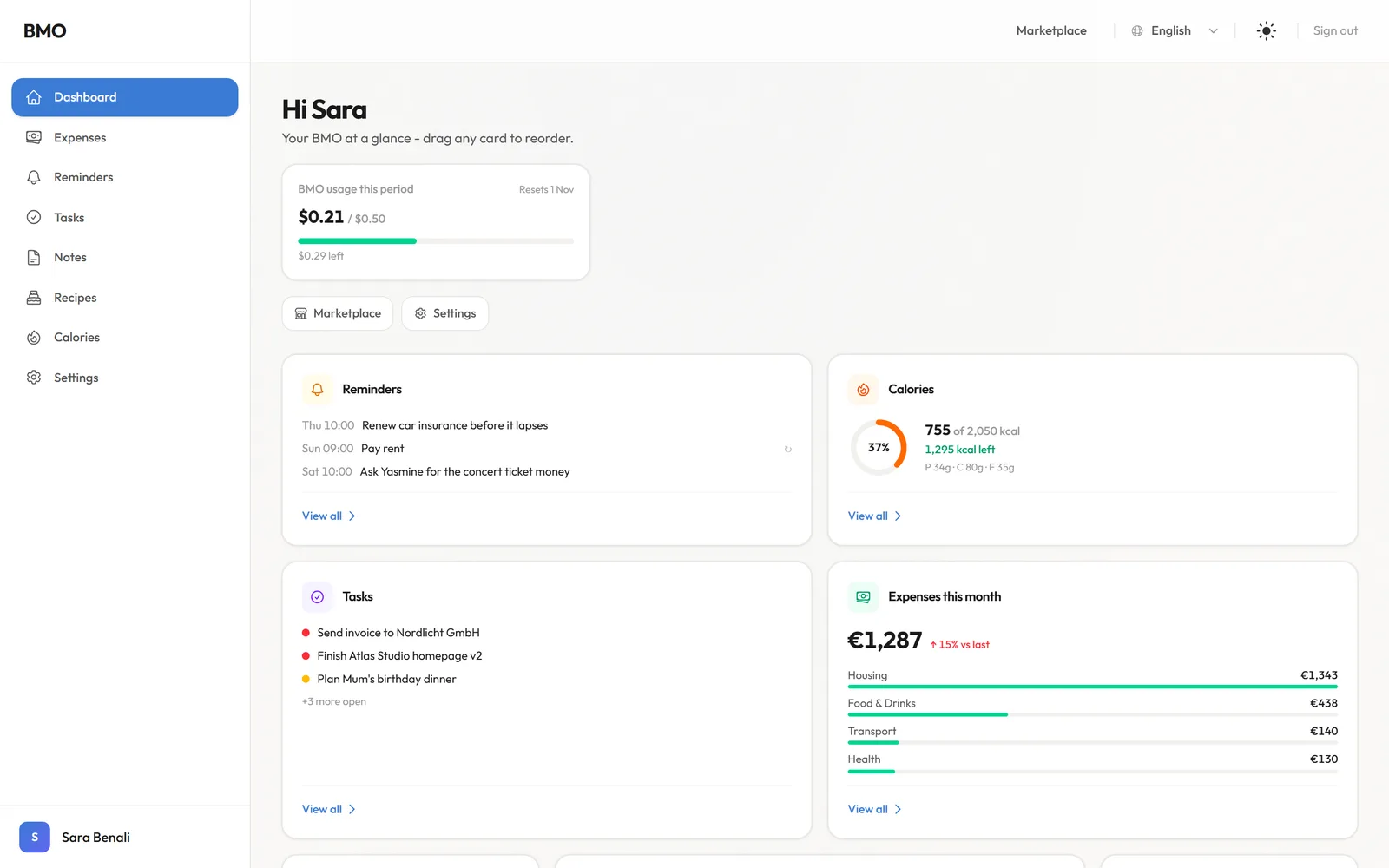
Screens from the running product, filled with demo data.
And the same, in your pocket.
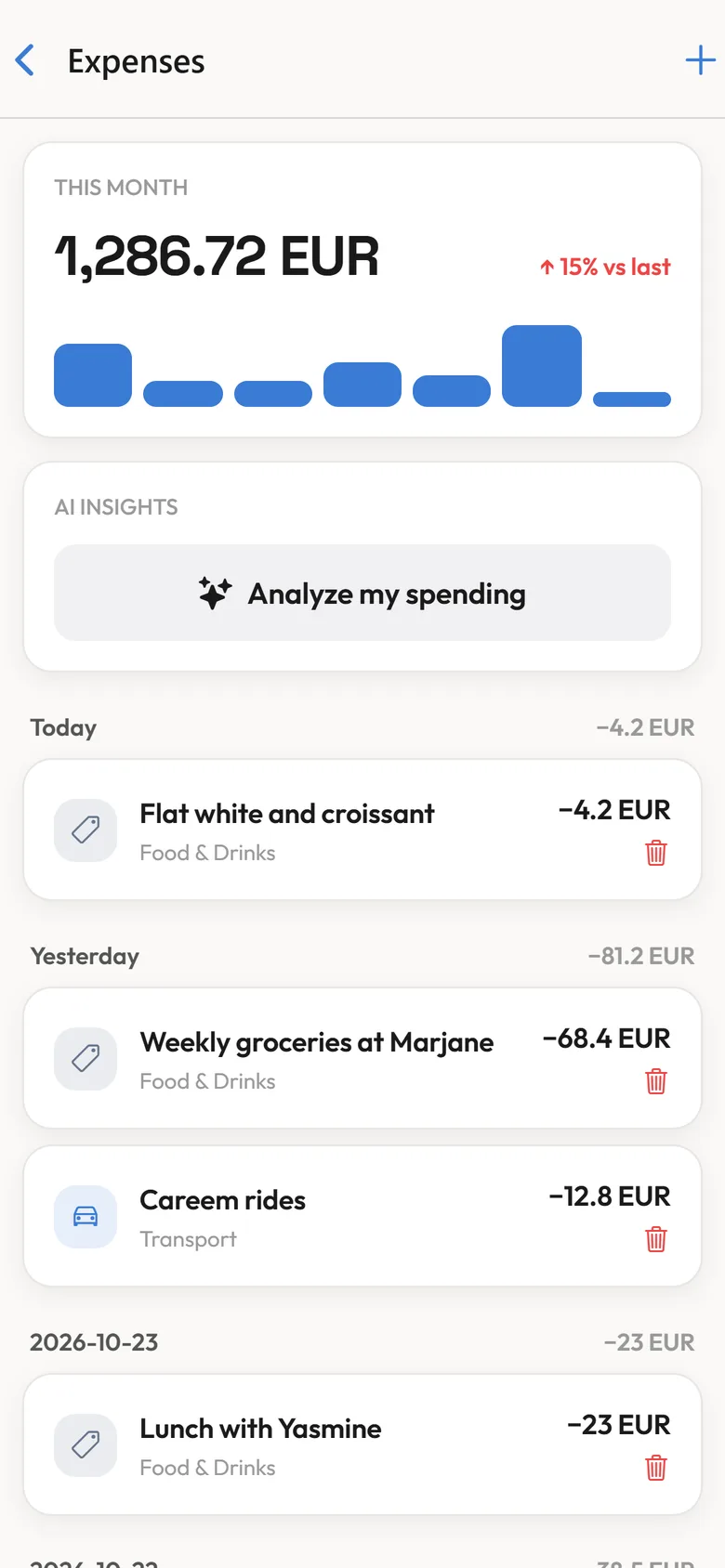
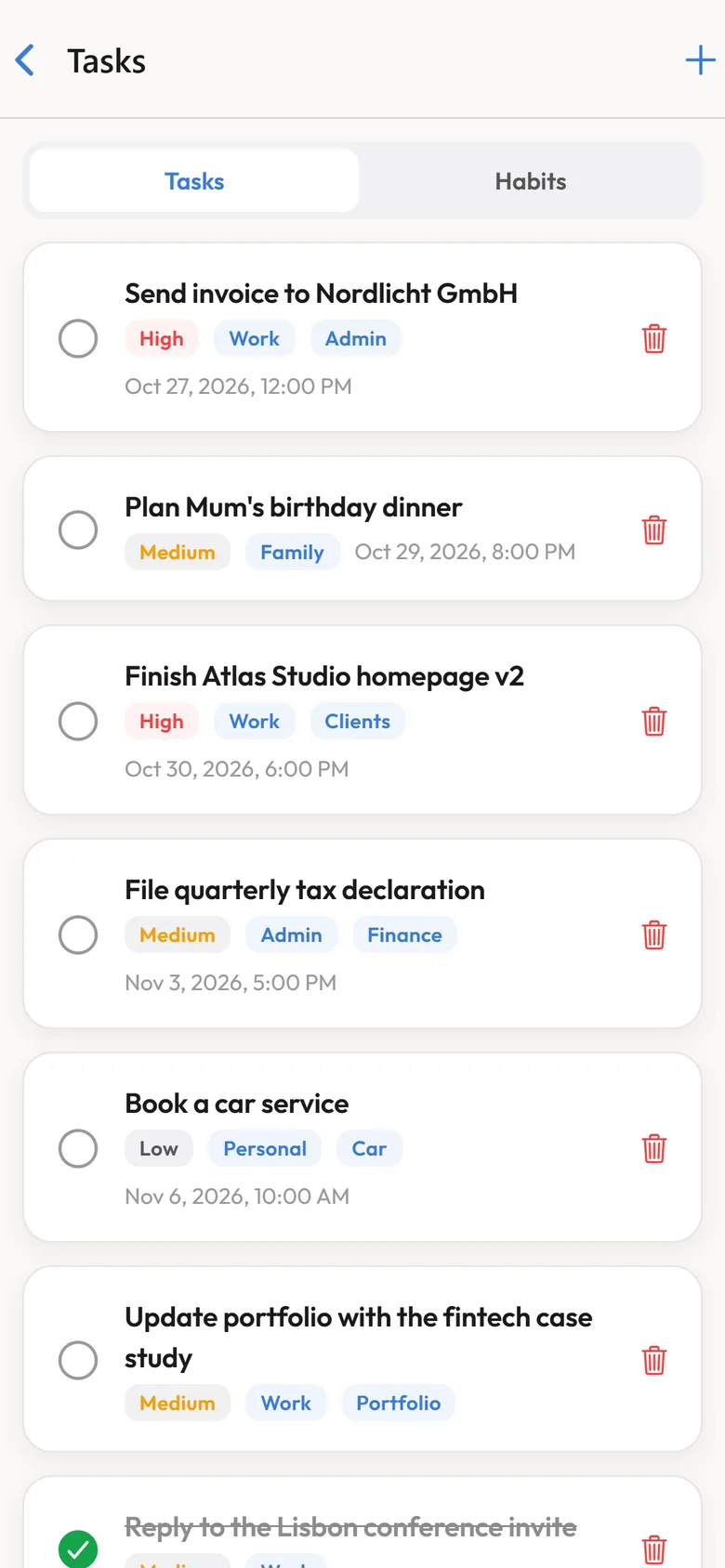
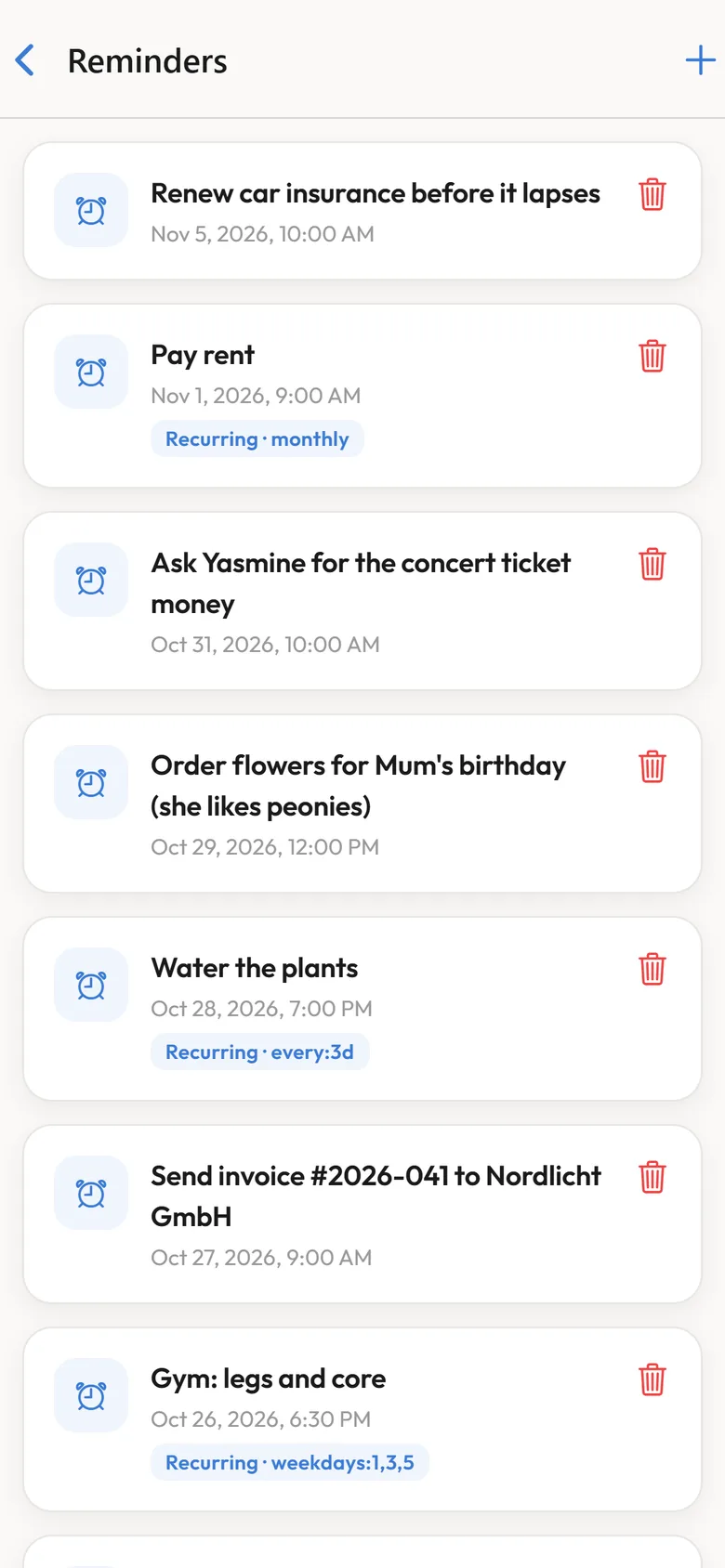
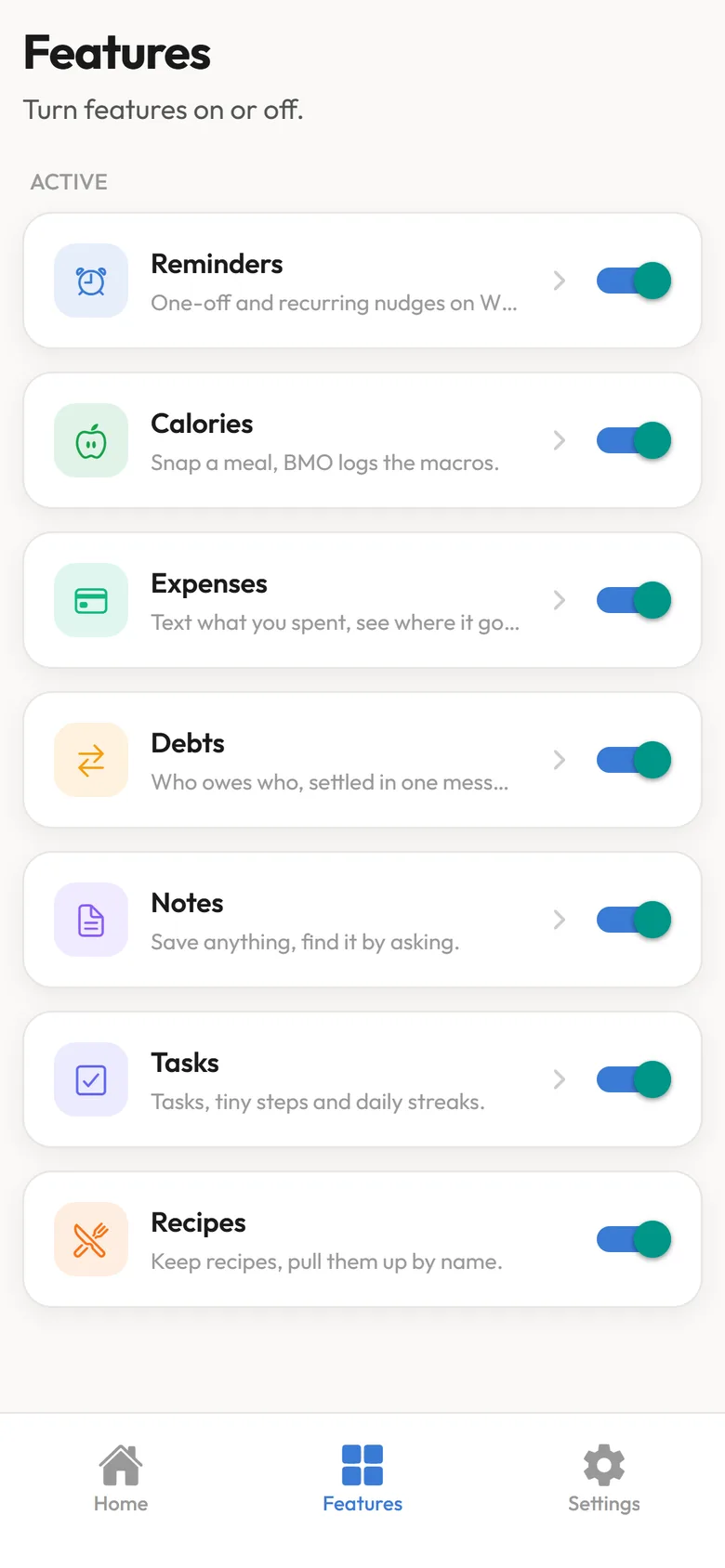
A mobile app for iPhone and Android with the same data: spending by day, tasks by priority, reminders, and a switch for every feature.
BMO only ever sees its own chat.
A personal assistant gets told personal things, so the limits were part of the design from day one.
Your other chats stay yours
BMO never connects to your WhatsApp account. It cannot read your other conversations, your groups or your contacts.
Nothing goes out without your ✅
A PDF, a LinkedIn post or a tailored CV is only sent or published after you react ✅ to the preview BMO shows you.
You choose what it can do
Every feature can be switched on or off, so BMO only does what you asked it to.
heybmo.com, written and designed with the product.
 Scroll inside