 Evergarden StudioTournament graphics
Brackets that draw themselves. Posters that match.
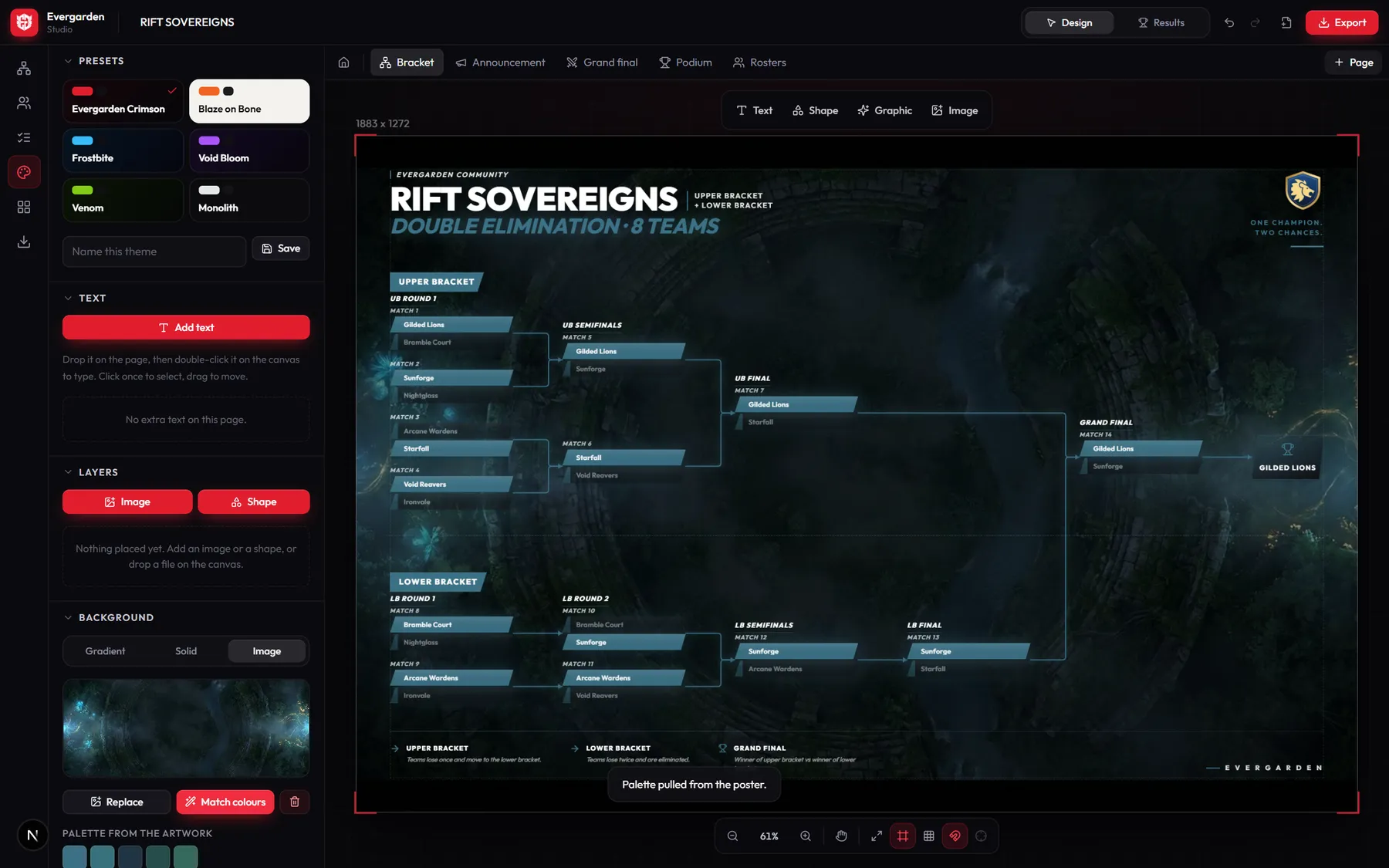
A studio for everything a tournament posts: the bracket, which builds itself correctly from the team list and fills in as matches are played, and every poster that goes around it, all in one look.
Made with it
One tournament, every post it needs.
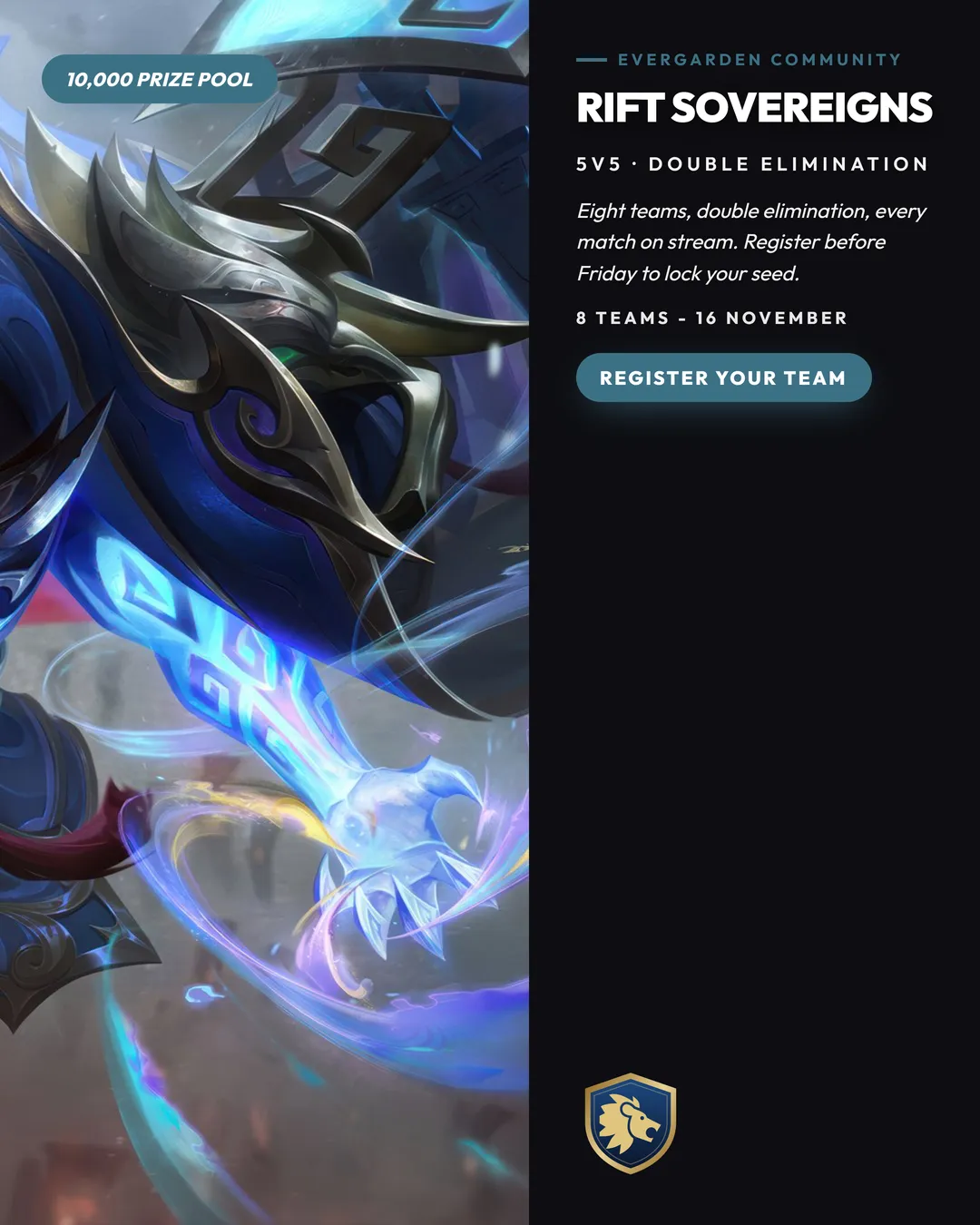
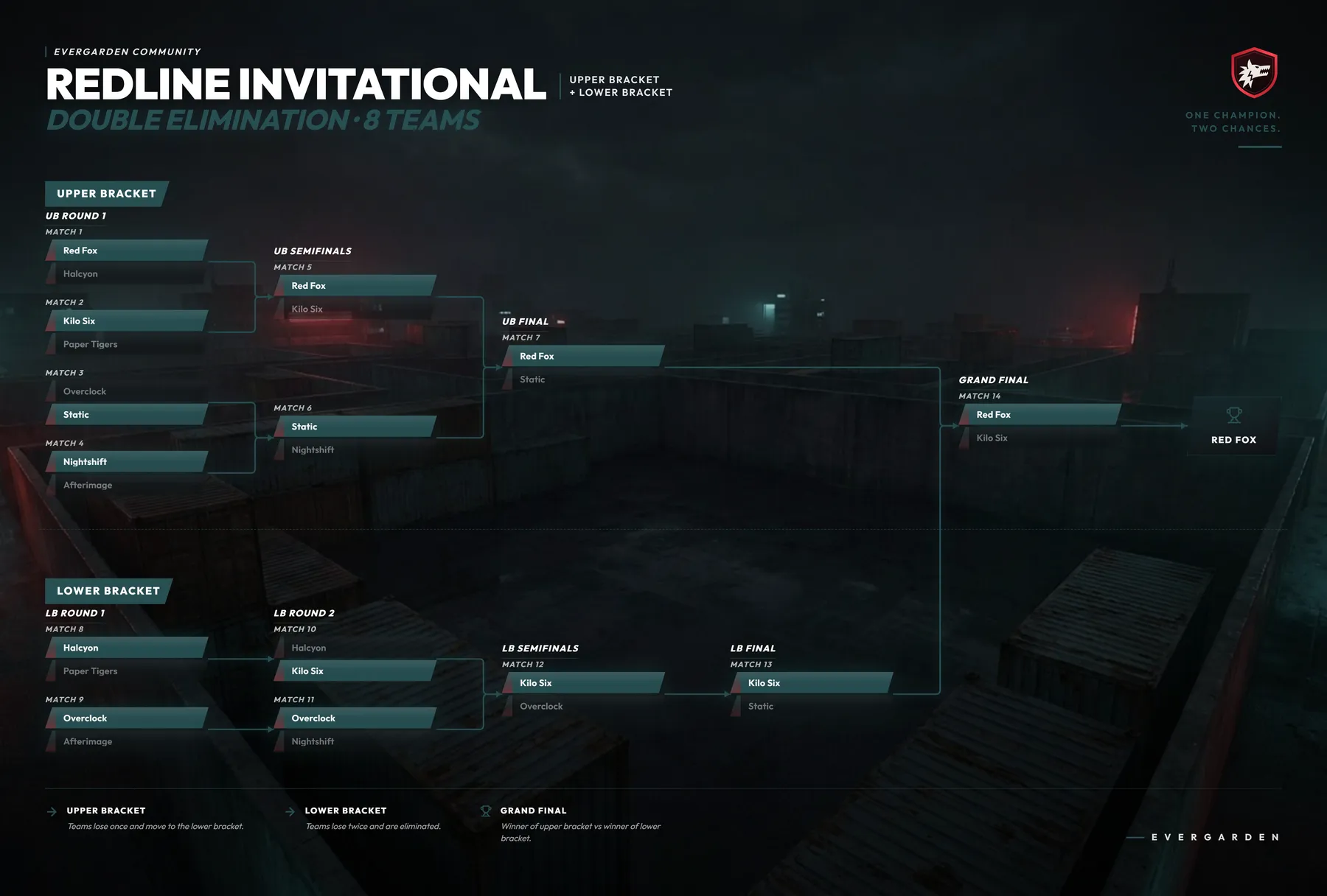
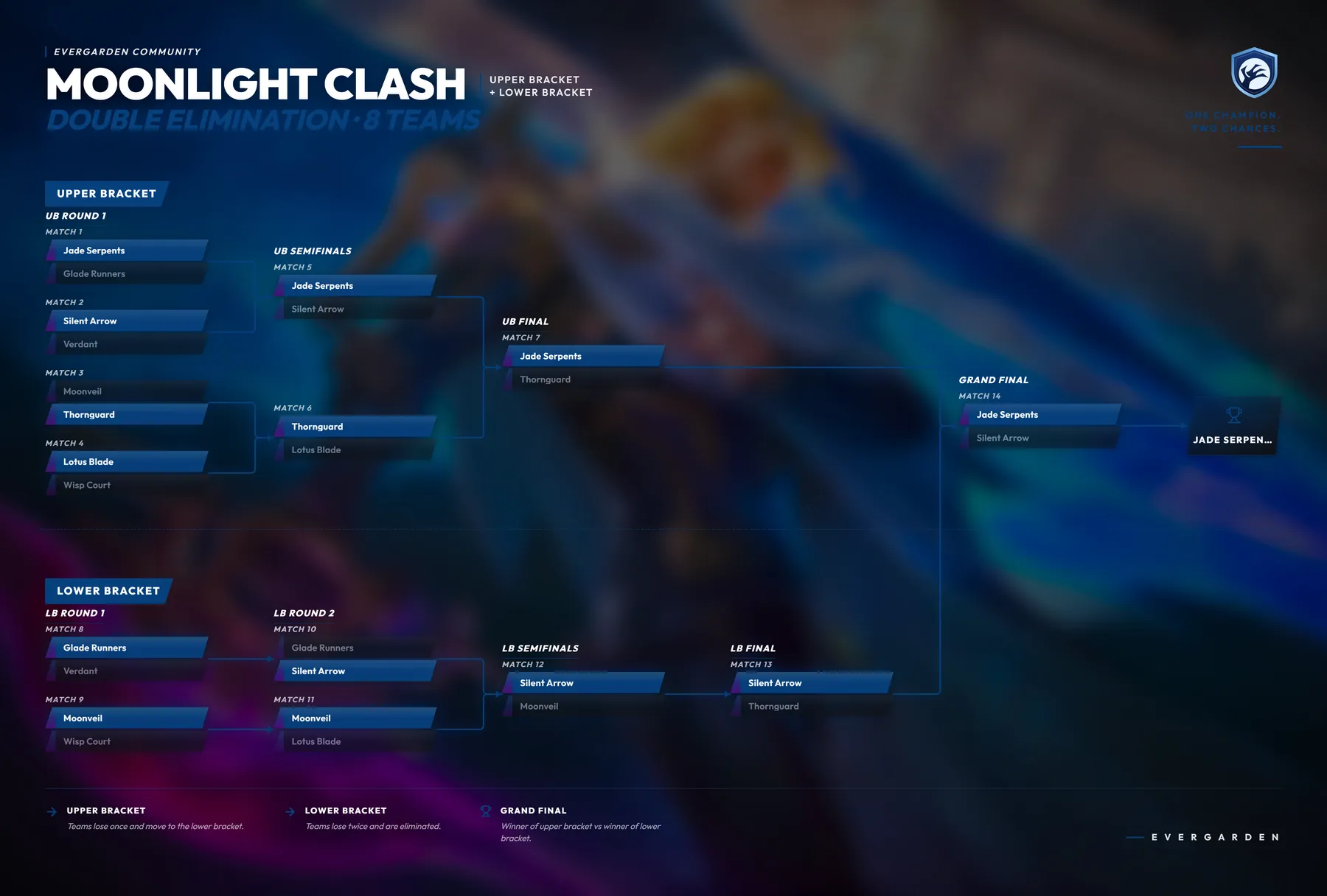
Three tournaments made for this page. Teams, theme and artwork are shared across a project, so the bracket and its posters always look like a set.
 Announcement
 Match result
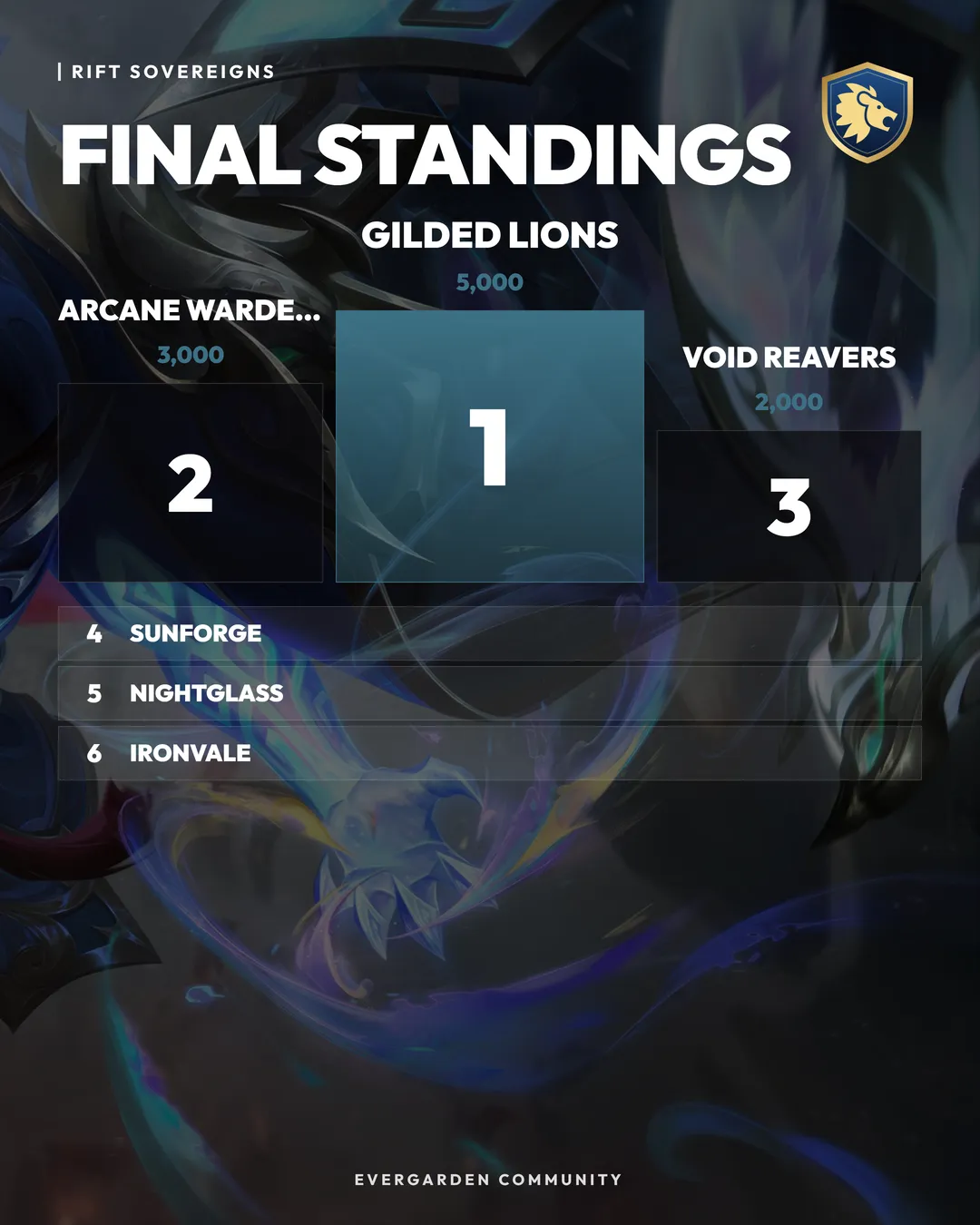 Standings
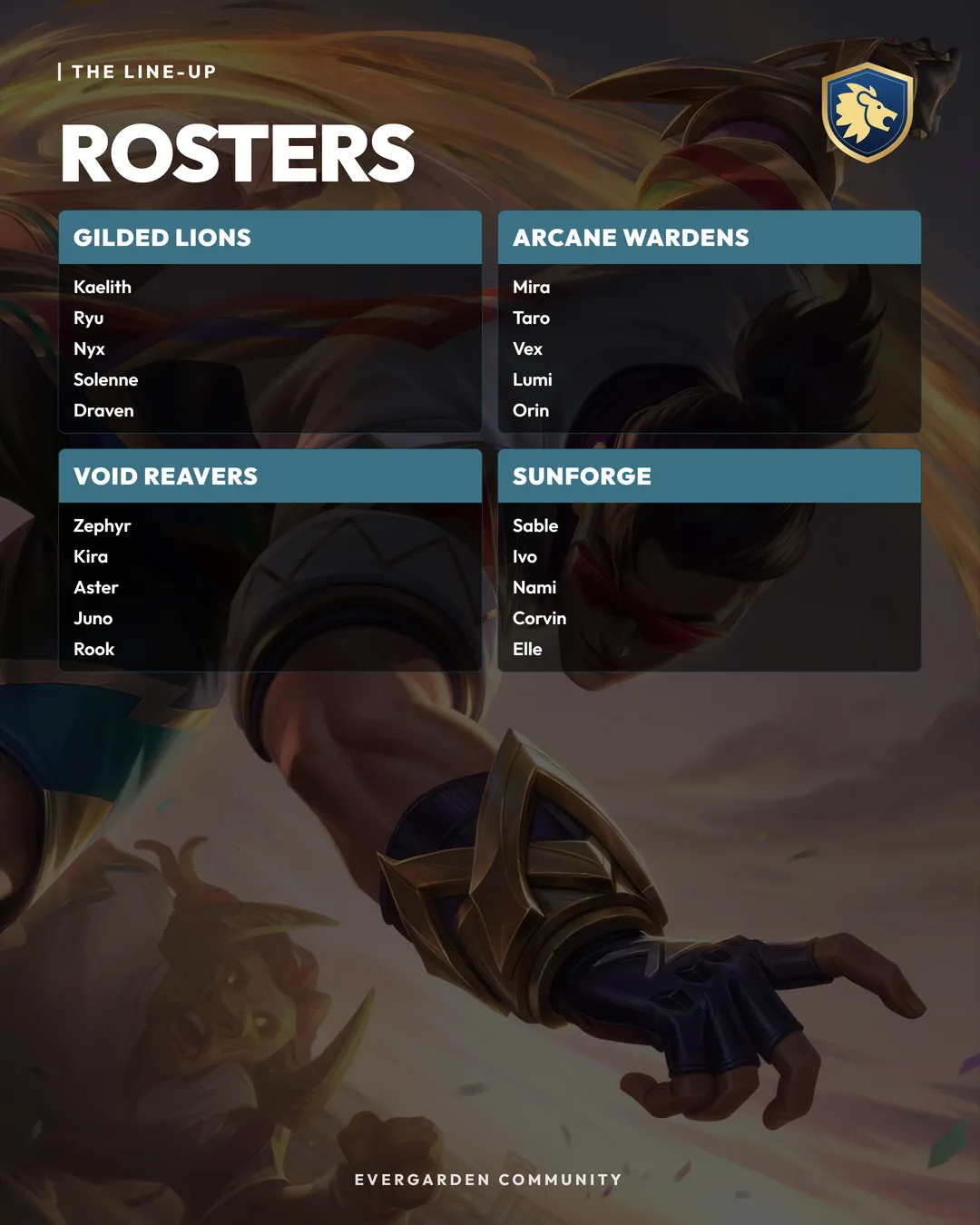 Rosters
The bracket
Generated, not drawn.
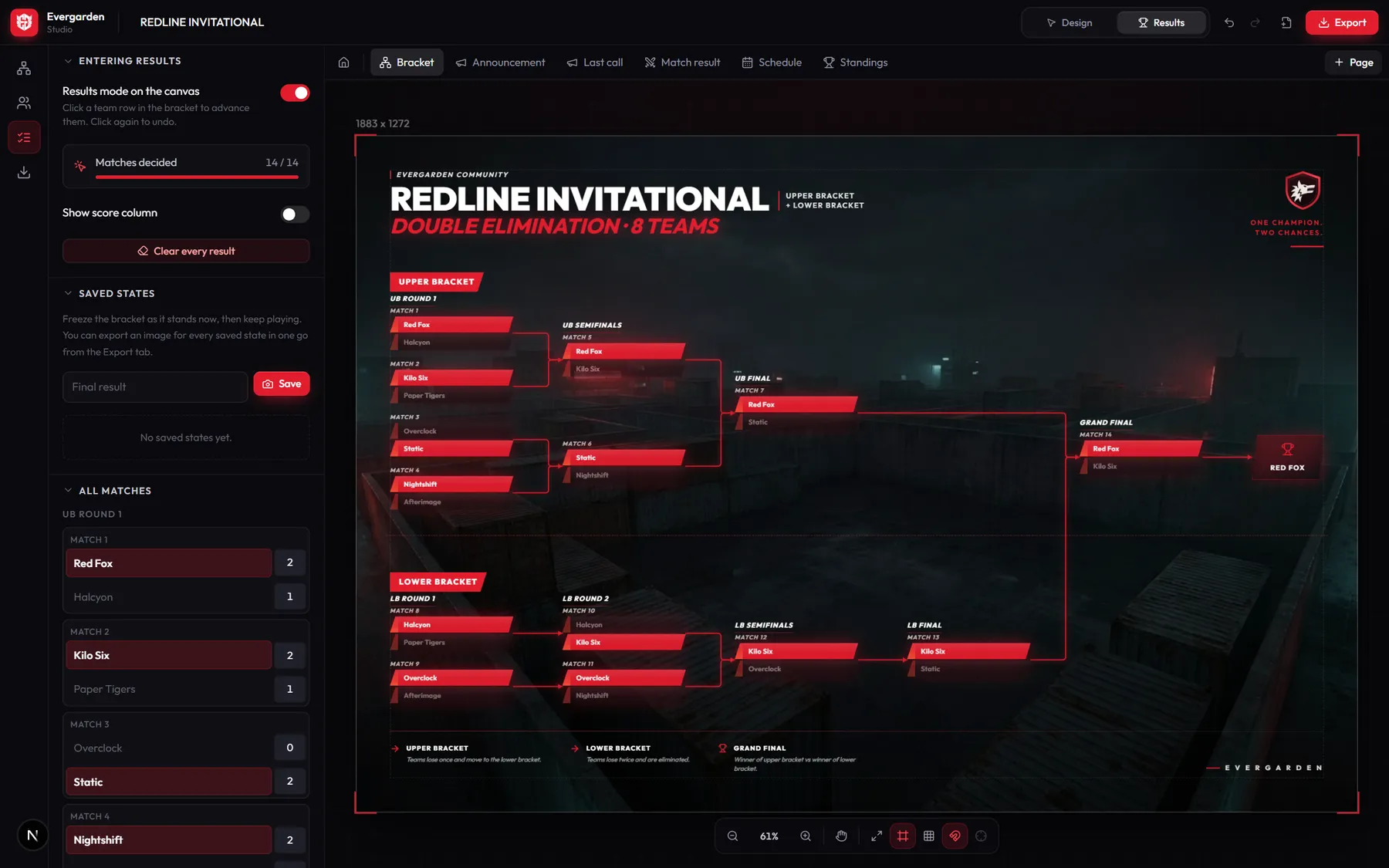
Pick a format and a team count and the whole tree is built correctly: an 8-team double elimination is exactly 14 matches, losers drop into the right lower-bracket round, odd counts get byes. Then switch to results and click a team to send them through.
- Double elimination4 to 64 teams
- Single elimination4 to 64 teams
- Round robin1 to 8 groups
- SwissAny size
- Click a team to advance it; every later match updates
- Save the bracket after each round, export every round in one go
- Drag any box, connectors follow
Posters
Five kinds of poster, several layouts each.
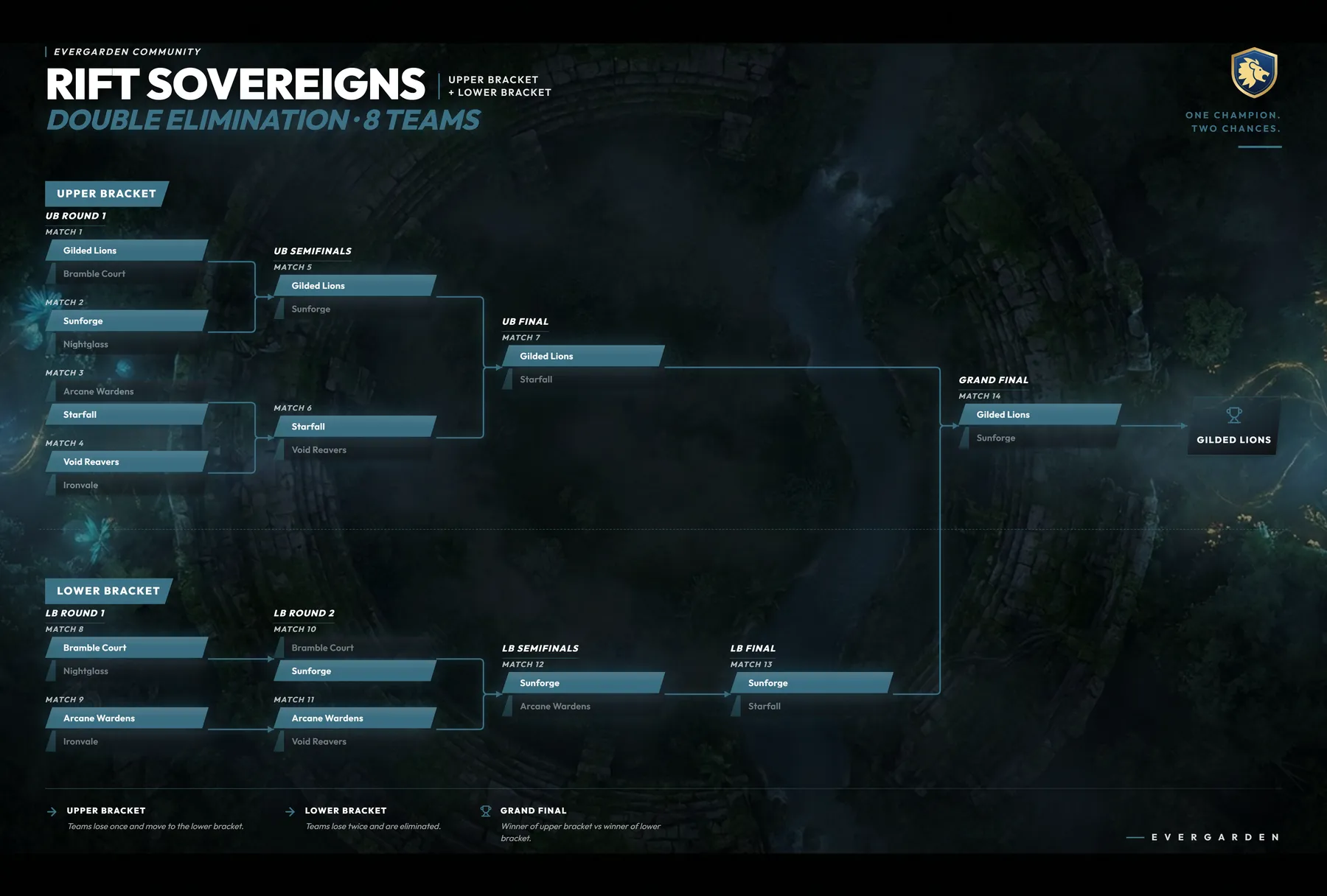
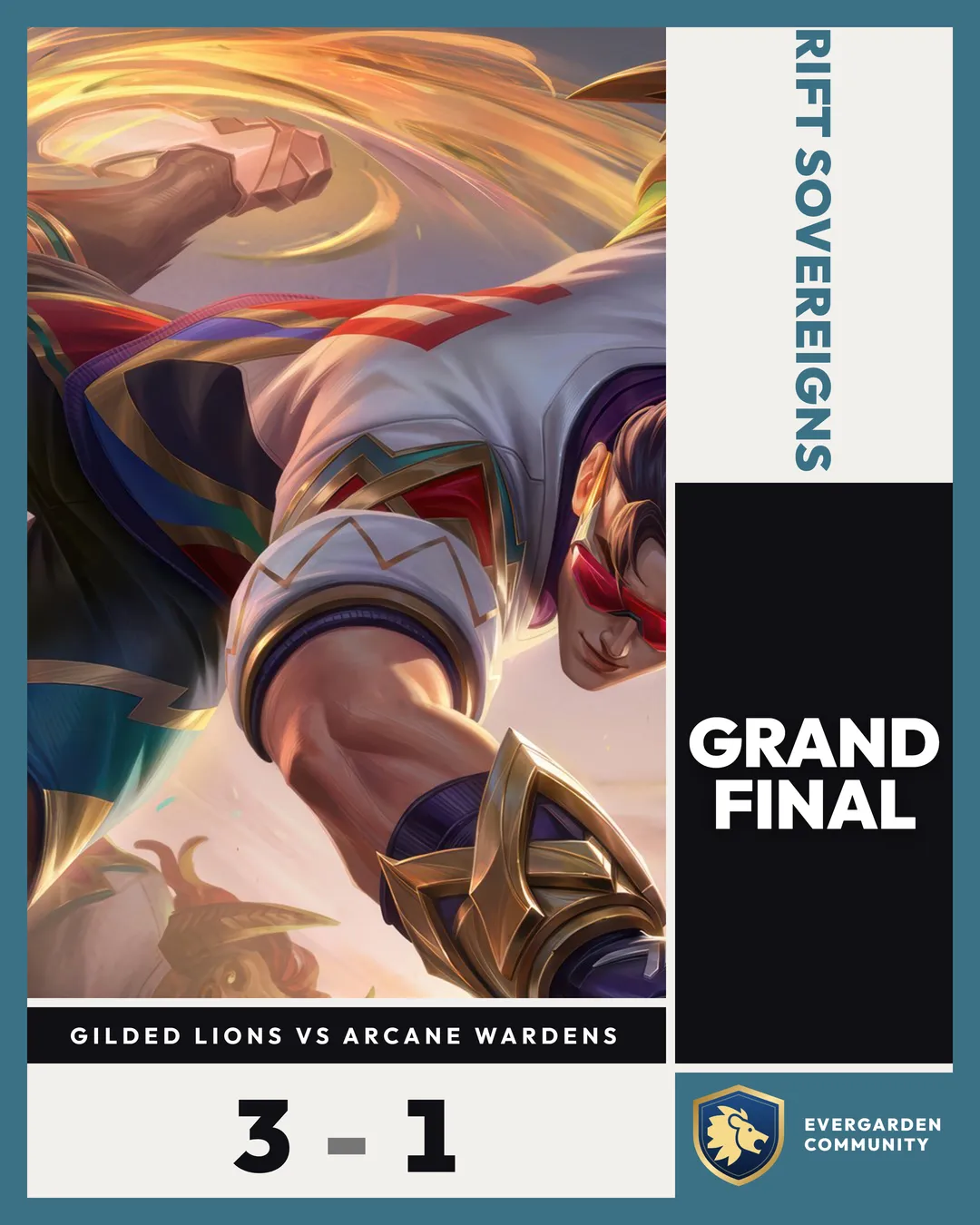
Announcements, results, schedules, standings and rosters. Each fits its content to a 1080 × 1350 frame, and the same content can be poured into another layout without retyping a word.
AnnouncementSplit
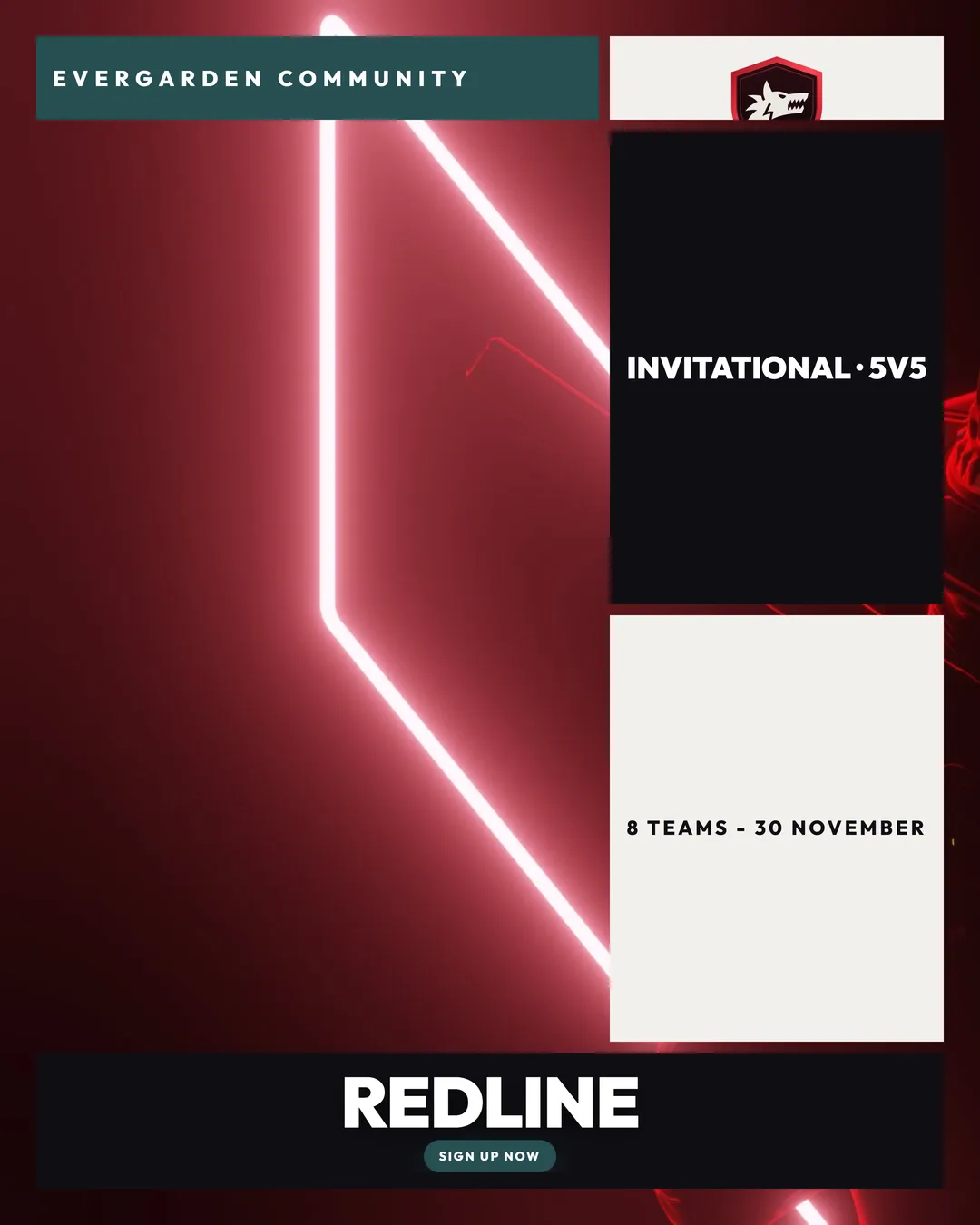
AnnouncementModular
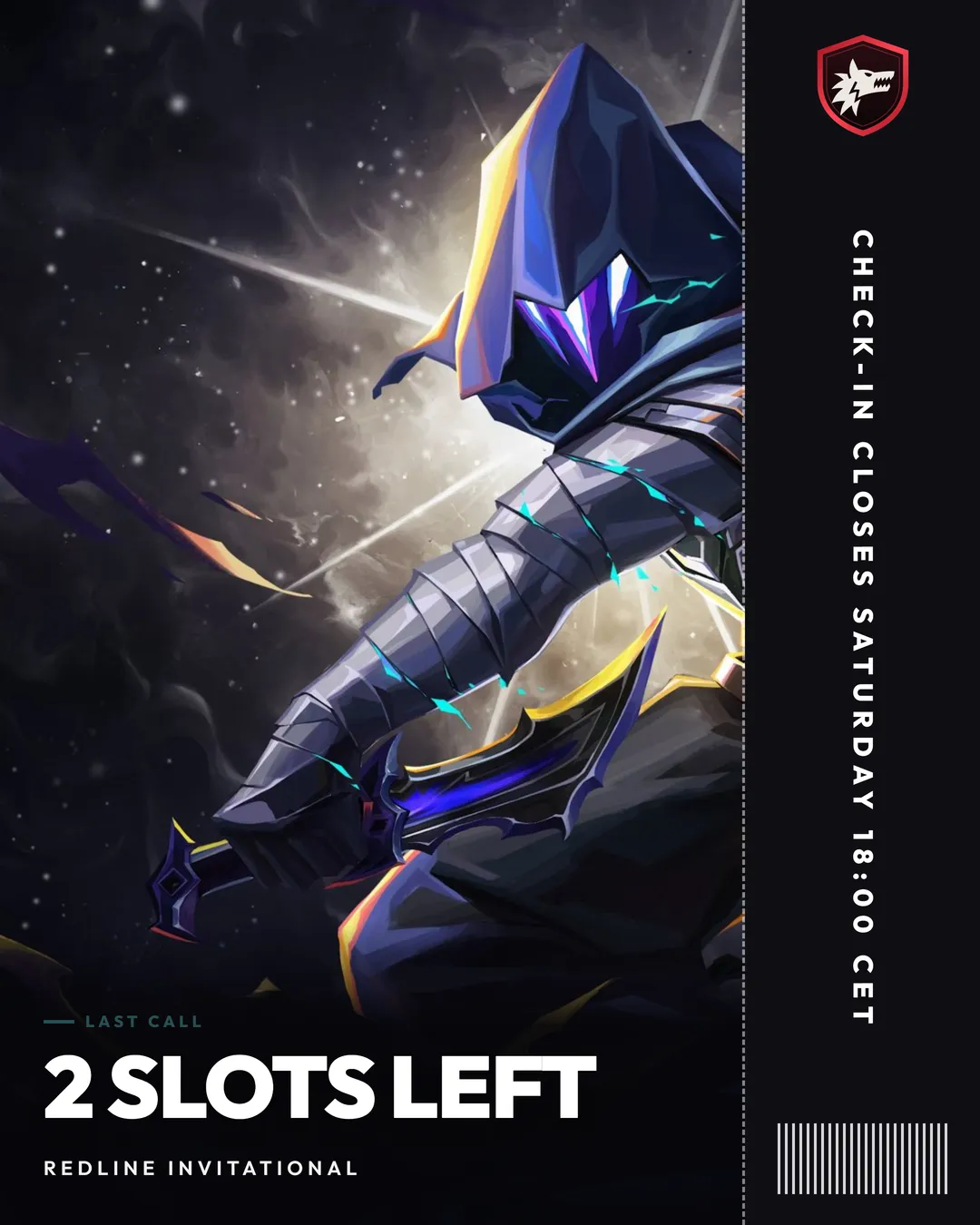
AnnouncementTicket
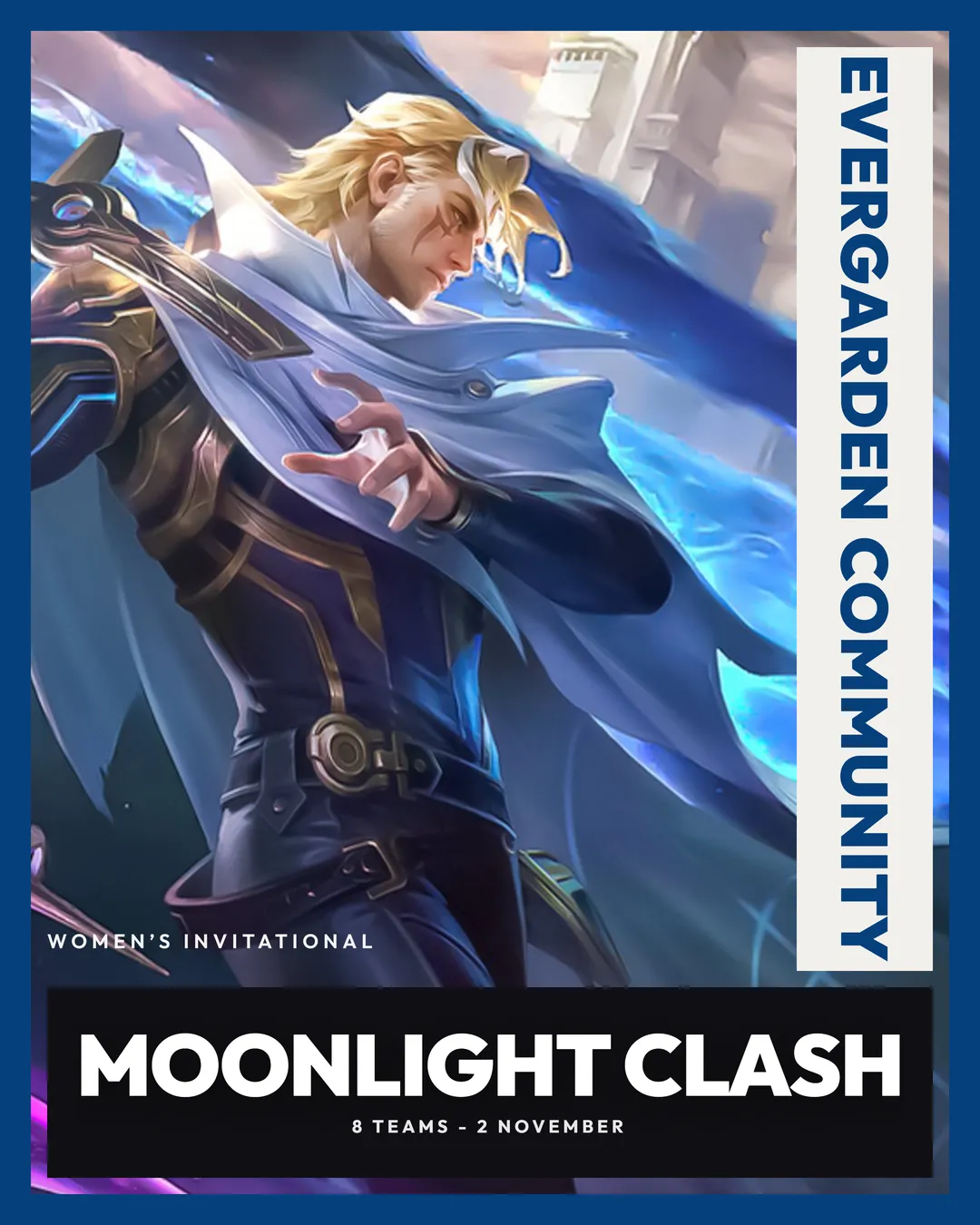
AnnouncementFramed
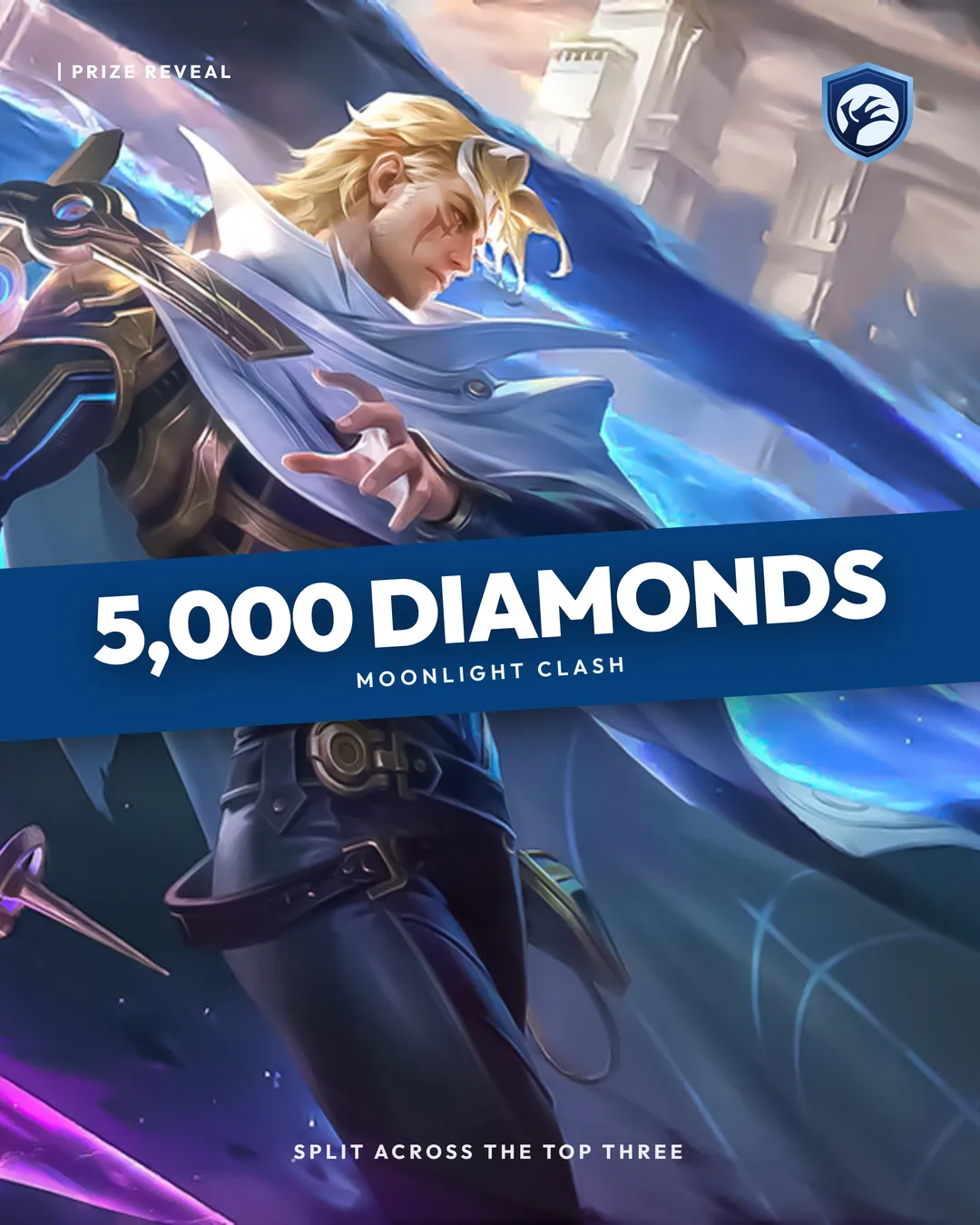
AnnouncementBanner
Match resultFramed card
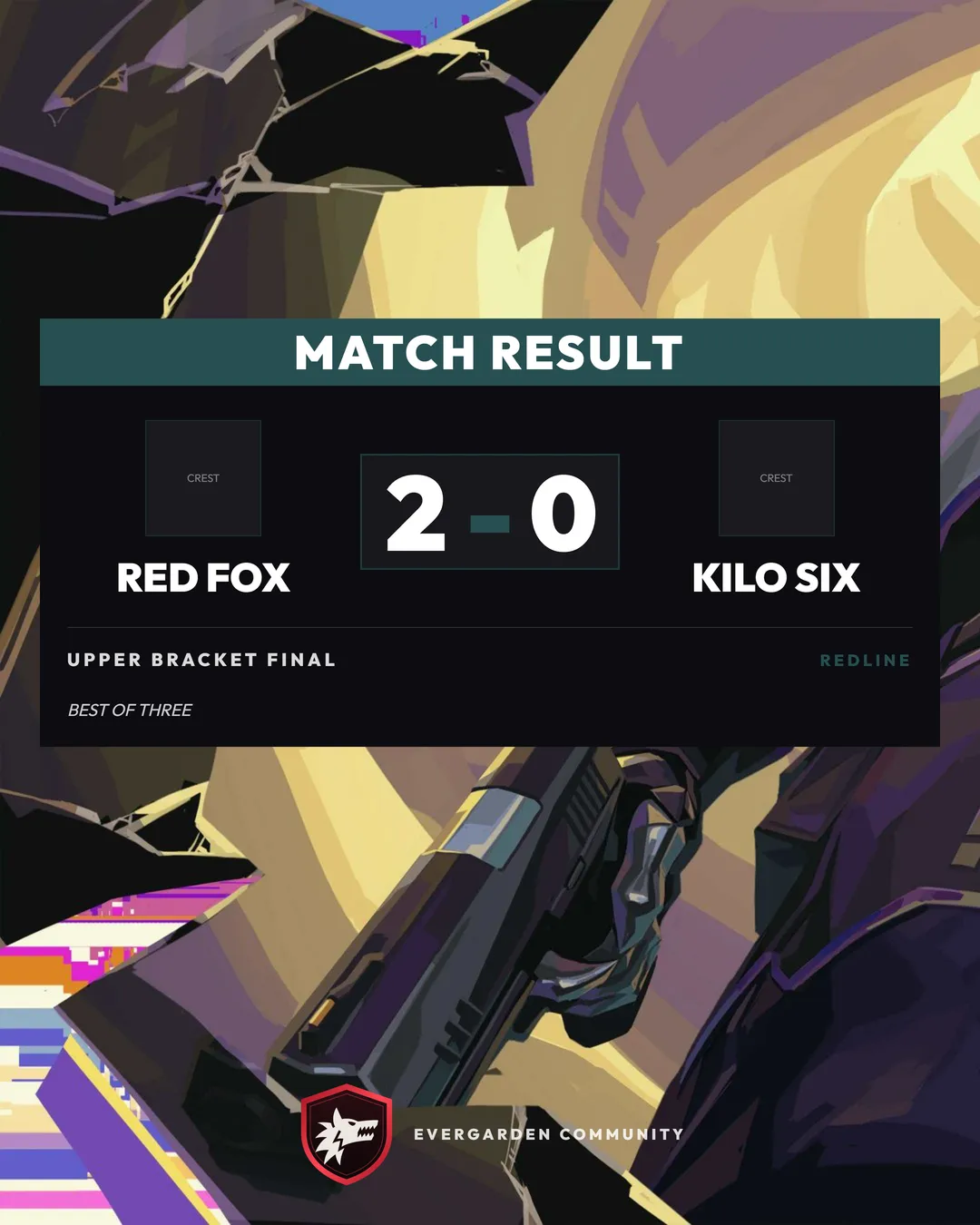
Match resultScoreboard
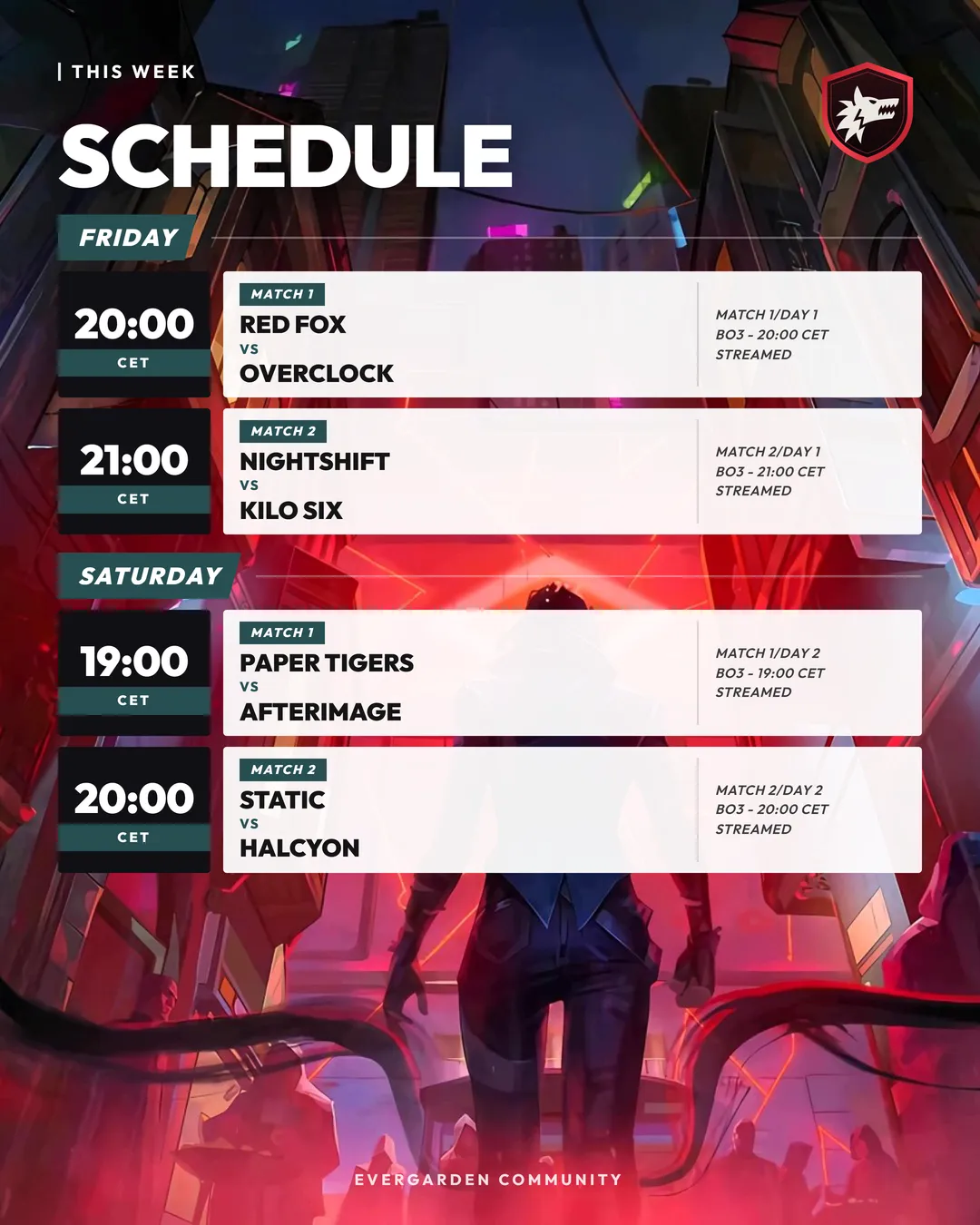
ScheduleDay list
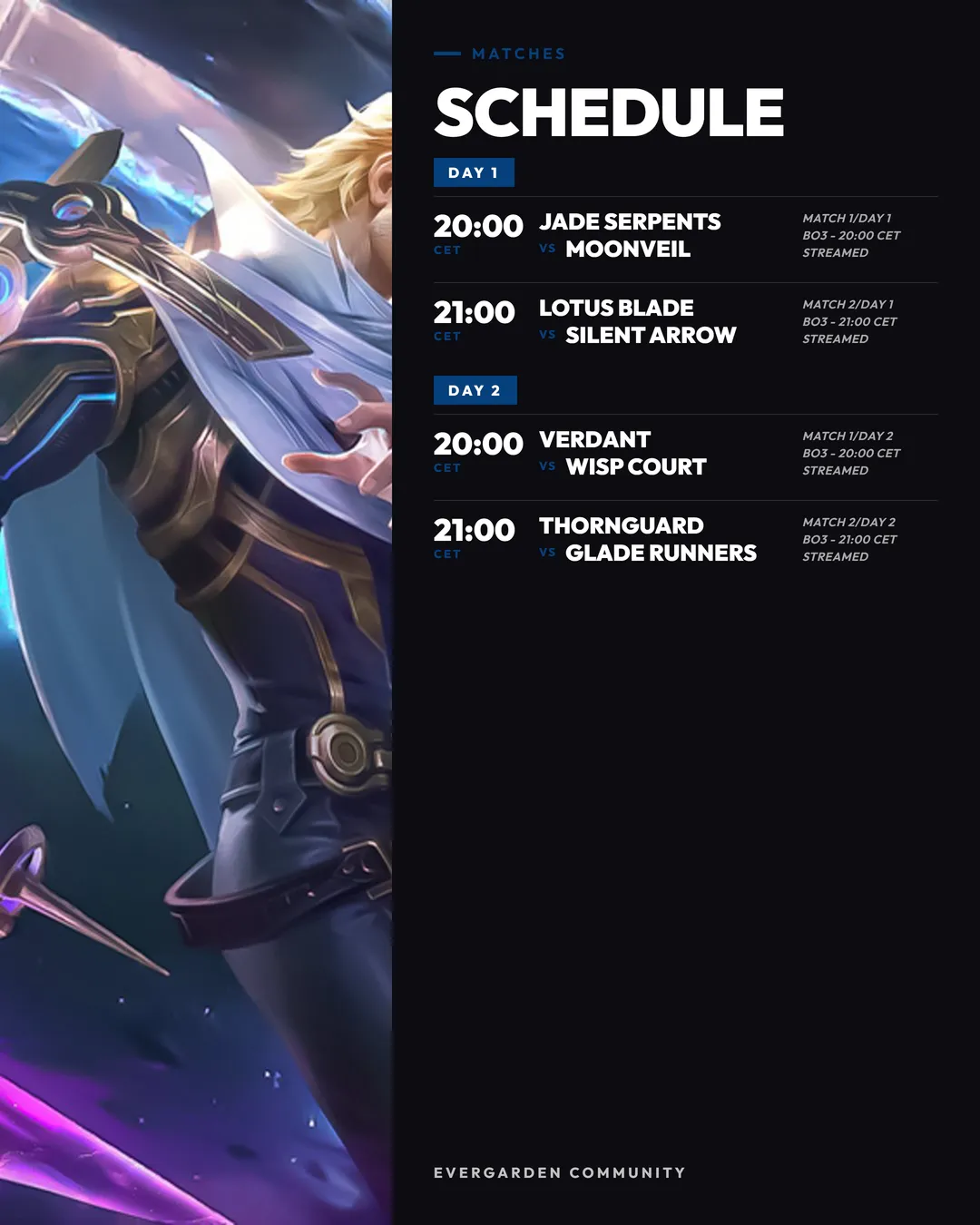
ScheduleSide panel
StandingsPodium
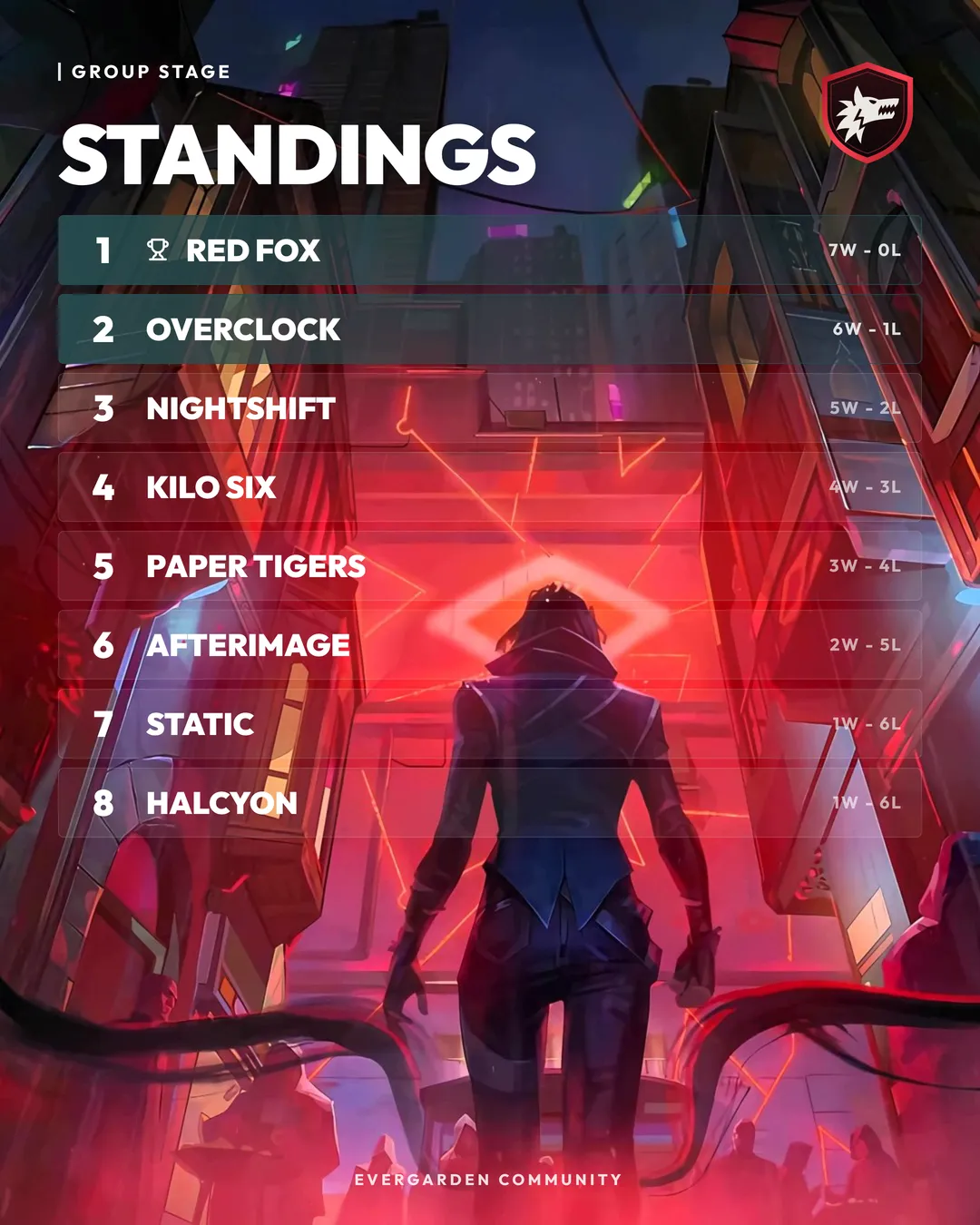
StandingsTable
RostersCard grid
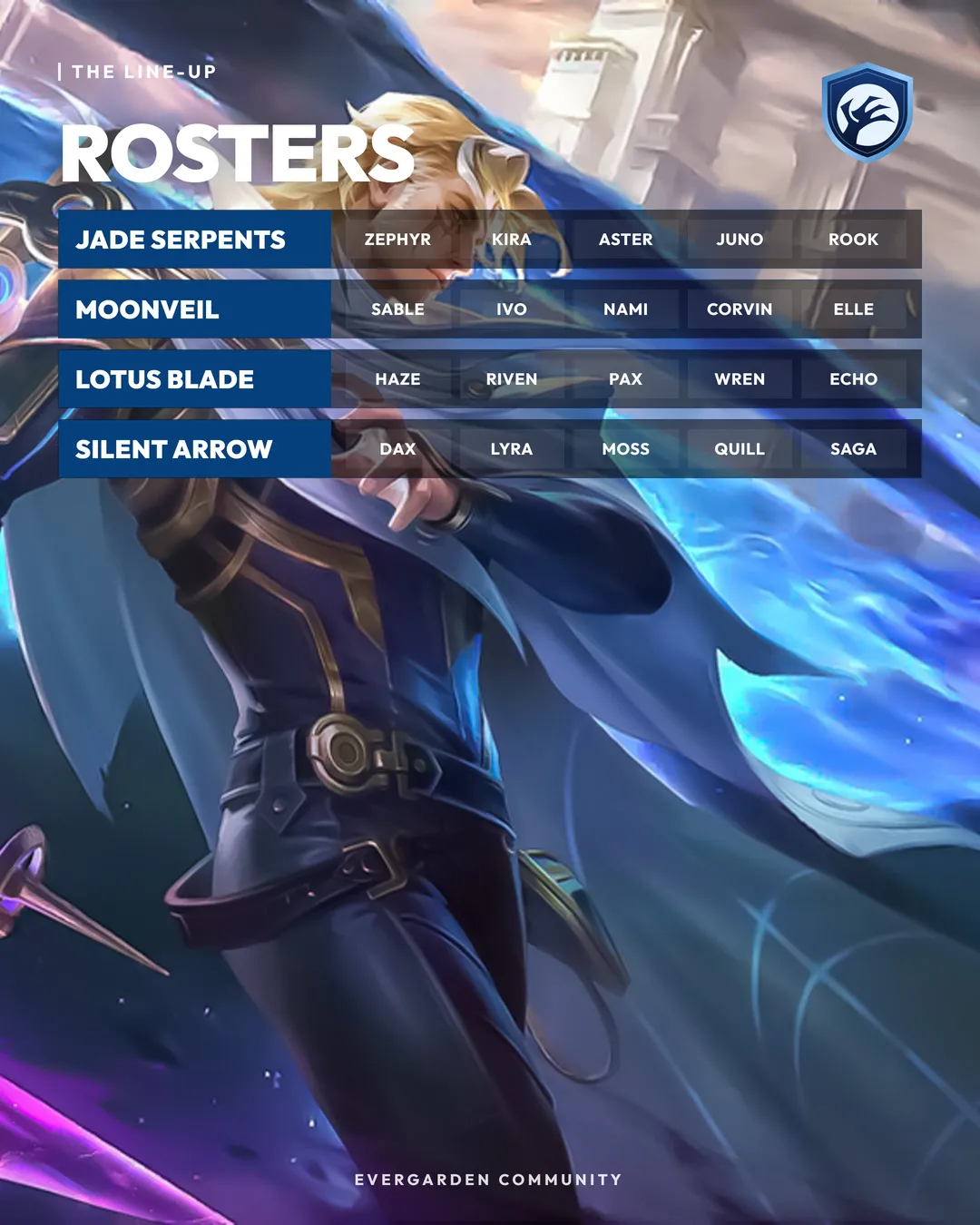
RostersLine-up rows
Match colours
Drop in the artwork. The theme follows.
One button samples the poster art and re-tints the accent, connectors, badges and glow, so a bracket always sits right beside the poster it is published with.
Runs in the browser
No backend, no account. It autosaves as you work.
One file per project
The bracket, posters and every image, embedded, so it opens the same on anyone’s machine.
Export that holds up
PNG, JPG or SVG, up to 4×, transparent if needed, or every page in one click.
Fast to edit
Click to select, drag to move, double-click to retype, undo for everything.